Clients were rebooking through stylist profiles, not the appointments tab
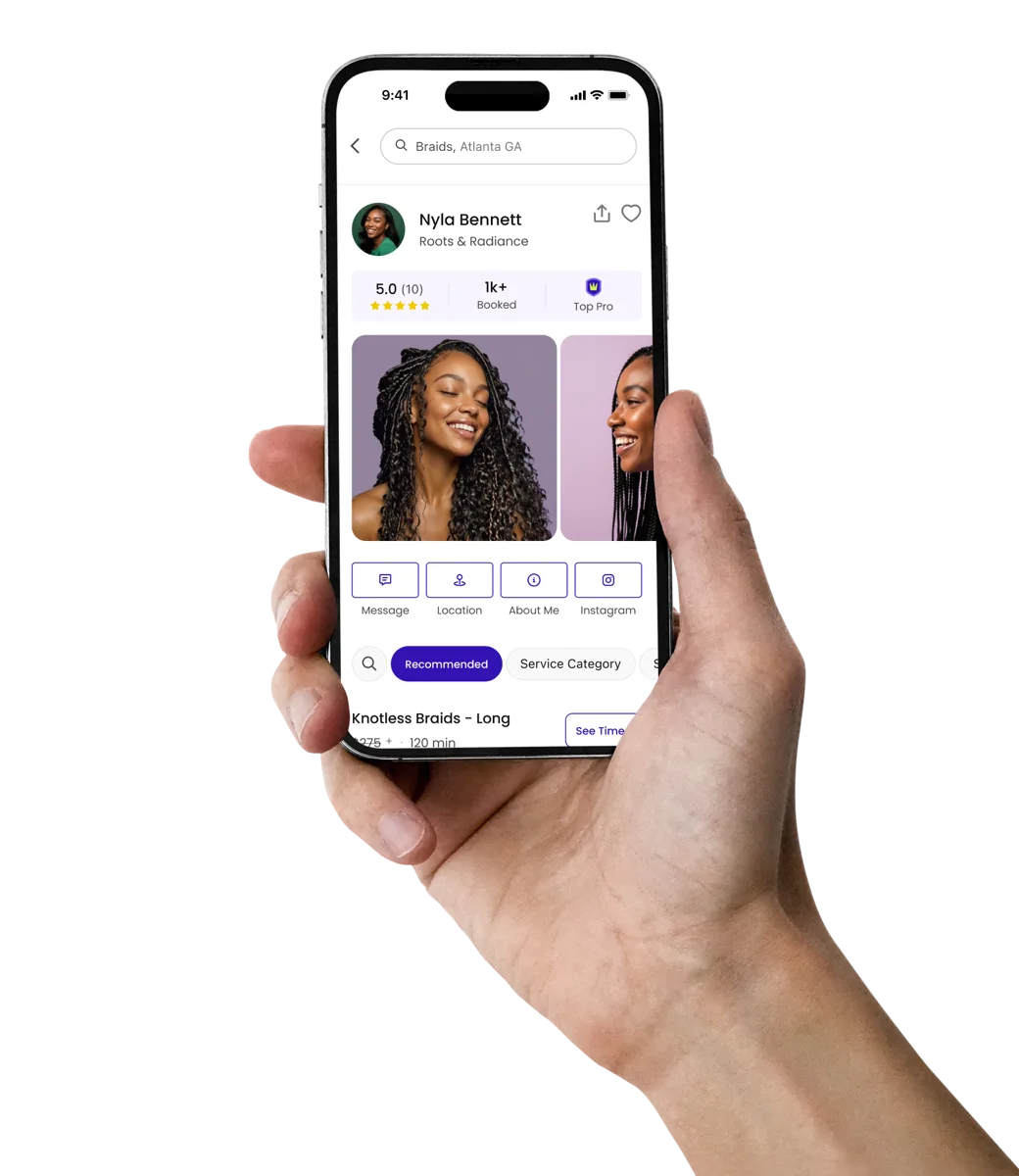
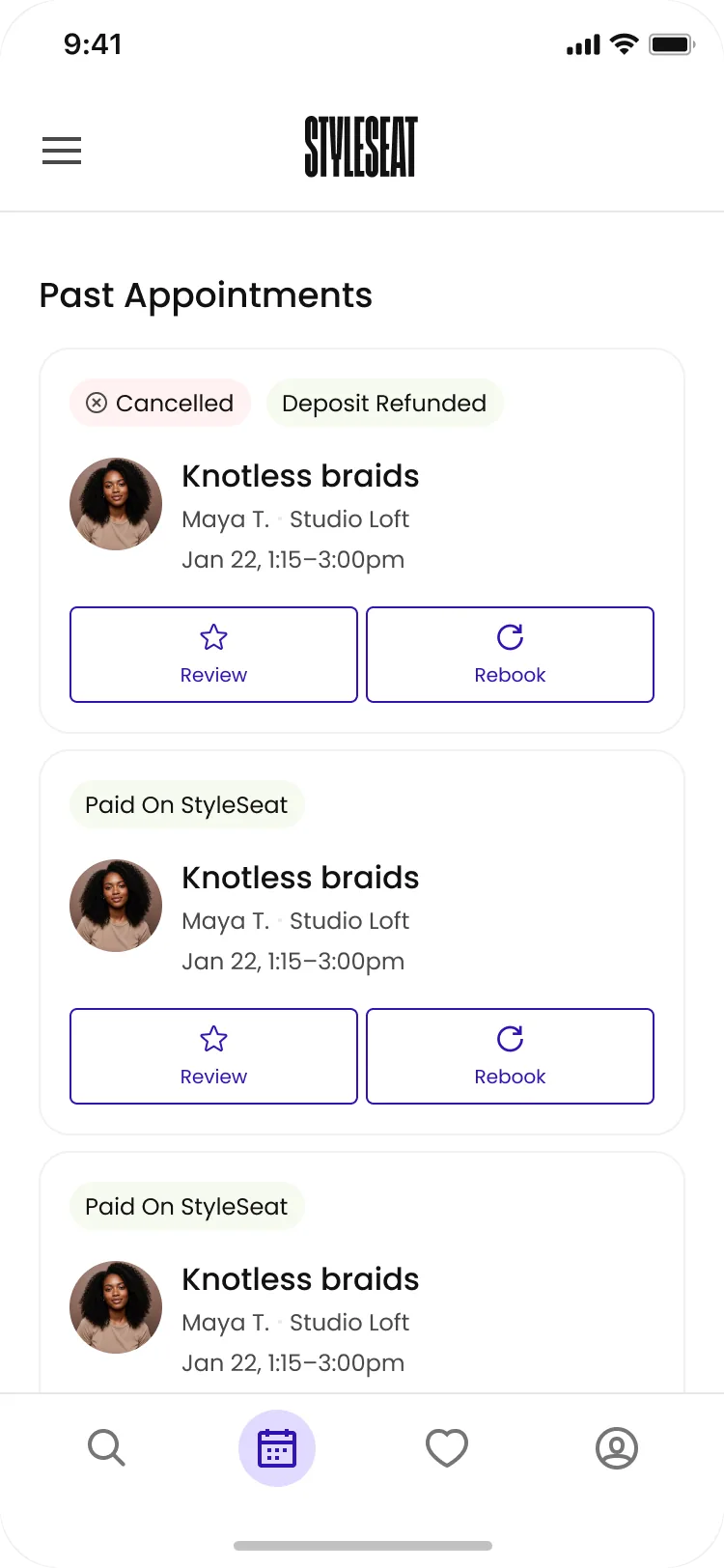
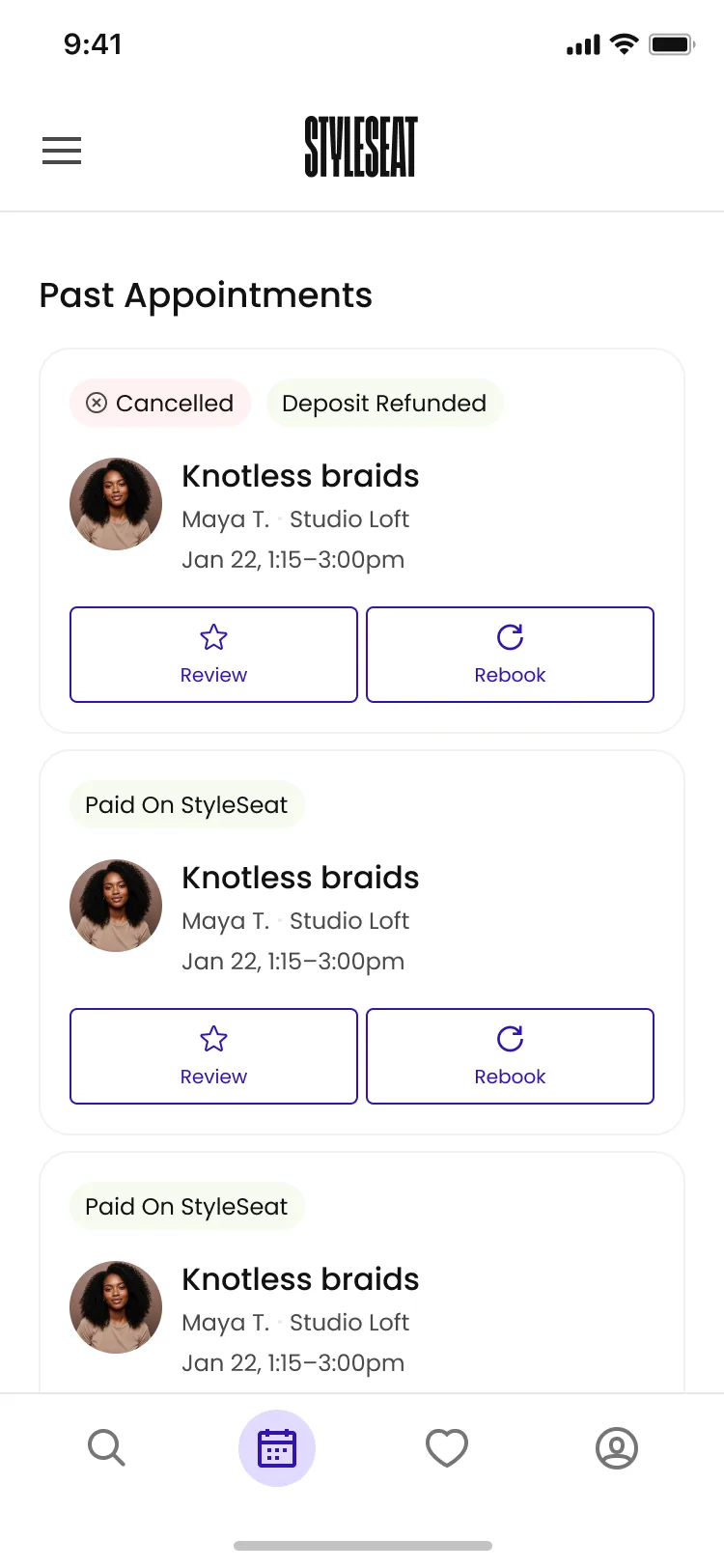
To rebook, clients typically looked up their stylist’s name on the search page, and went to the stylist’s profile. Only about a tenth of rebookings started on the appointments page itself, which was just a static record of upcoming and past appointments.
This experience forced clients to use stylist profiles for rebooking, not evaluation and discovery, adding friction and unnecessary steps.
Old appointments screen
Surfacing the right content at the right time to clients
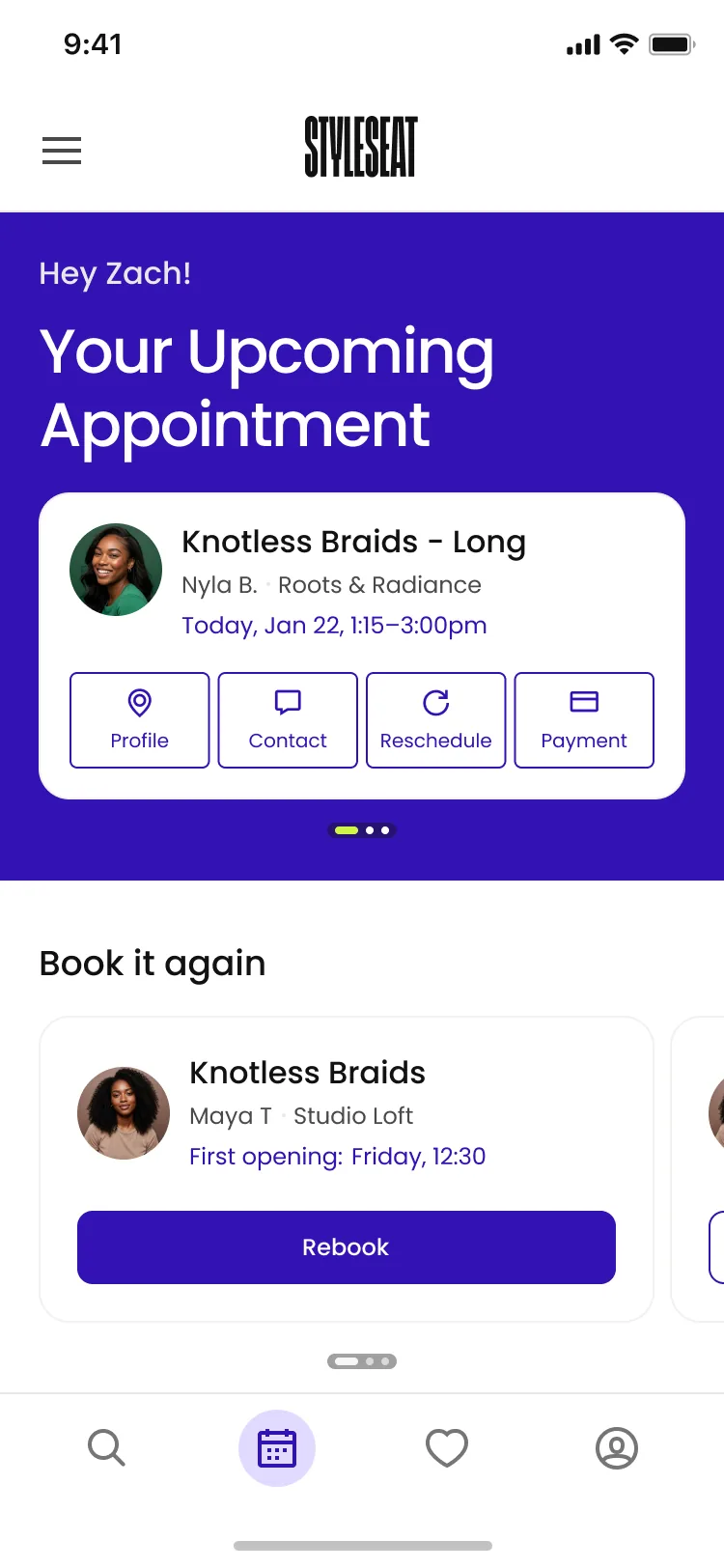
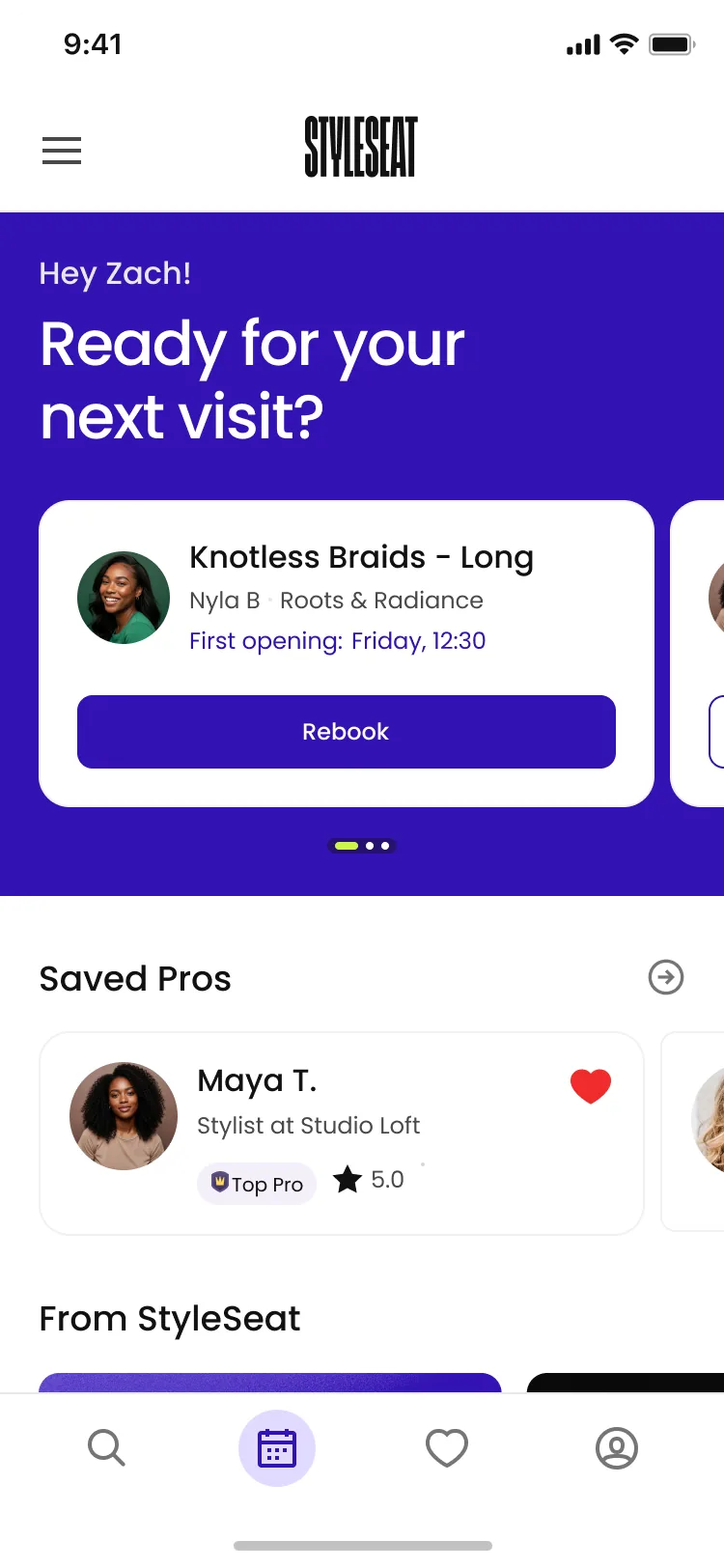
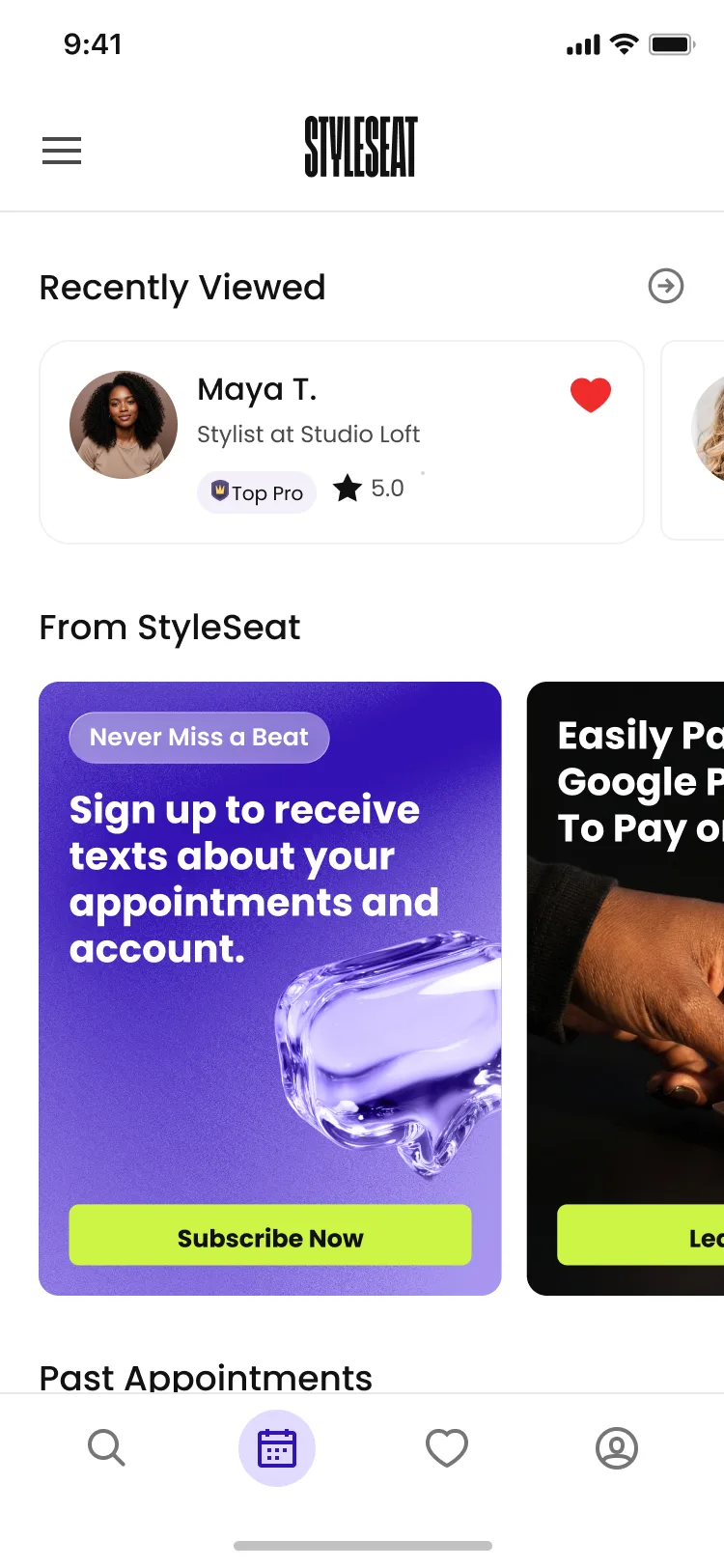
Rather than a fixed layout, highlighted content changes with the client. If there’s an upcoming appointment, it’s shown up top, along with the actions clients are most likely to take. If there’s not an upcoming appointment, the rebooking feature takes the top slot. Now, the app opens with the next action they’re most likely to take next.
Slide 1 of 4: Upcoming appointments are always the highest priority
Results
- 78%
- Rebookings booked from the home page
- +3%
- Overall rebookings
- −70%
- Appointment details views, once the actions moved onto the card
- 60%
- Of rebookings happen through the tab — up from ~10% on the static page
- 21s
- Faster to rebook, on average